Login to Platform
The homepage provides clear guidance for both new and existing users..
- New Users: Please follow the three predefined steps to successfully complete the login process and access the Electronic Cross-Border Health Services.
- Existing Users: Simply log in to your account to continue using the services without interruption.
For New Users
-
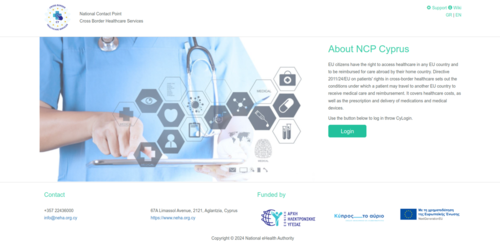
Figure 2.1: Login page.

Within the "Registry", users are required to install a digital certificate on their computer. Detailed instructions for installing the digital certificate can be found on the page" Digital Certificate ".
Existing Users
How to enable Two-Factor Authentication
-
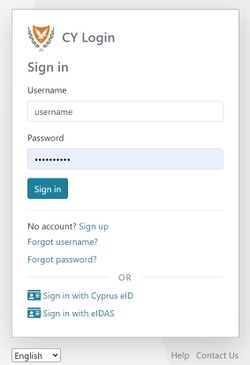
Figure 2.8: CY Login page. Enter your credentials.
-
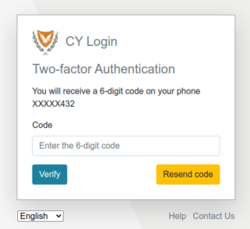
Figure 2.9: Mobile Two Factor Authentication.
-
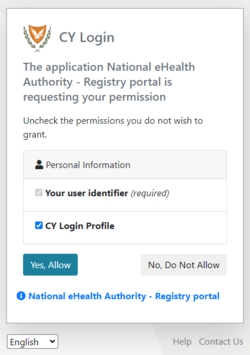
Figure 2.10: CY Login page. Personal Information Consent.


-
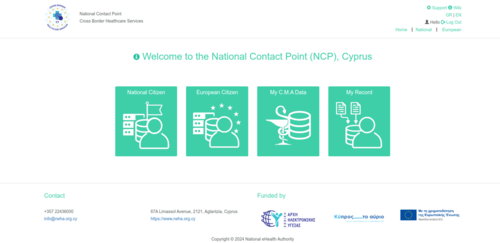
Figure 2.11: NCPeH Platform Home Page.
